Anydesk
AnyDesk, a fast remote access to computers

Safe & Secure
Advanced IP Scanner is a free and versatile tool to offer quick network scanning for computers based on Windows operating systems. The simple to use utility simplifies process to discover devices available on the local network, collecting important information related to connected devices, including IP addresses, MAC addresses, and device names, and managing them remotely.
The app offers an efficient as well as functional option; regardless of the type of user, including network administrators, tech enthusiasts, or anyone who wants to optimize his/her home network, catering to a wide variety of features according to your requirements.
Advanced IP Scanner, developed by Famatech, is a powerful network scanning software, allowing users to locate the local IP addresses on their LAN network. It enables users to operate their computers remotely, such as shutting down the computer, accessing shared folders, and so on.
The free and lightweight utility is the most popular tool, as it is used by 22 million users across the world. It also allows you to wake the computer, but only that have Wake-On-LAN functionality. It not only scans the information but also records it and imports it to a CSV file.
The support for Radmin remote control enables users to remotely control their devices, as you can run Radmin Server and detect all running computers. It offers one-click connection to any of the connected devices. You need to install the Radmin Viewer to access a device running Radmin Server and reliably access the remote PC in Full Control, File Transfer, and Telnet modes.
The app allows users to add a list of Favorites to their machine for operating batch operations on a subset of computers. It is loaded by the computer at startup automatically, enabling you to select the computers in the Favorite list for scanning, or let the tool scan the entire network. It is possible to save the Favorite list to use in different scenarios, such as scanning and other operations.
It is one of the significant features, allowing users to detect their entire network within a few seconds. So, there isn’t any need for complex configurations; instead, you can get key information by automatically detecting the connected devices. There is no need to install the app, as it is portable and you can run it with one click. The portability enables to quickly troubleshoot, but this is available only for Windows versions, and not for the mobile version, which can limit on-the-go access.
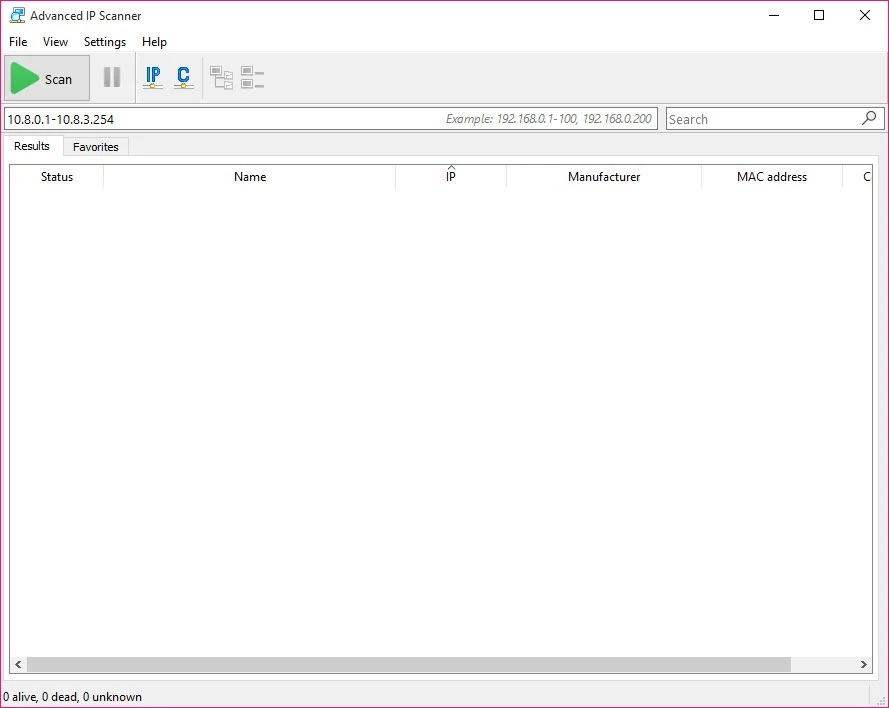
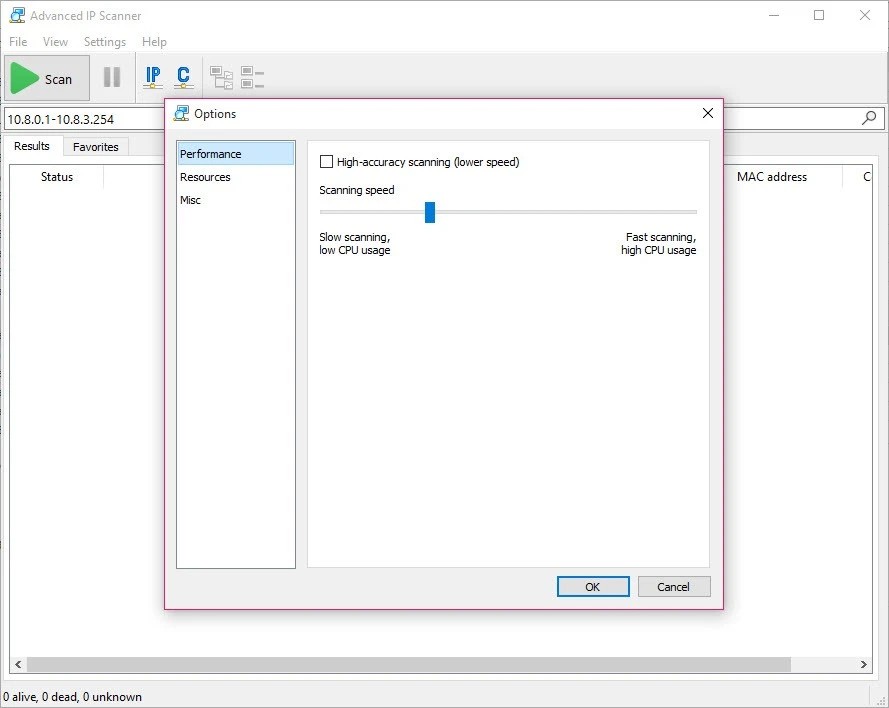
The clean and simple interface is embedded with a prominent scan button, a tab for displaying results, and a section for favorite devices. On clicking the scan button, the entire result sheet will be displayed in the results section. You can adjust the scanning speed and even limit the devices for scanning while using the primary window. You can add devices to the favorite list to scan them regularly to save your time while running the scanning process only for selected devices.
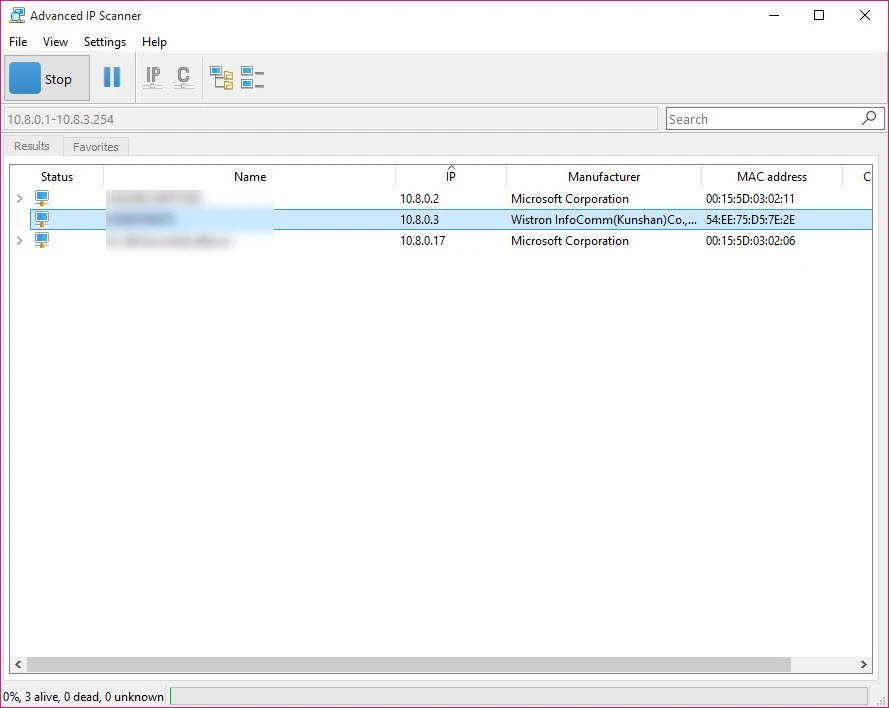
The app offers a simple-to-use process and is reliably useful for both beginners and power users as well. You will find an entire list of discovered devices along with key information in an organized tabular format, such as IP address, MAC address, manufacturer, and even device name. The app offers a deep scanning process for all types of devices, including computers, printers, routers, and so on.
The app offers free-to-use services without demanding any hidden charges and is available for free download for all types of Windows, including Windows 11 devices. The user-friendly interface is available in more than 8 languages, such as English, German, Polish, Spanish, and so on. You can use the app, and if not satisfied, access other better tools, including Angry IP Scanner, Bopup Scanner, etc.
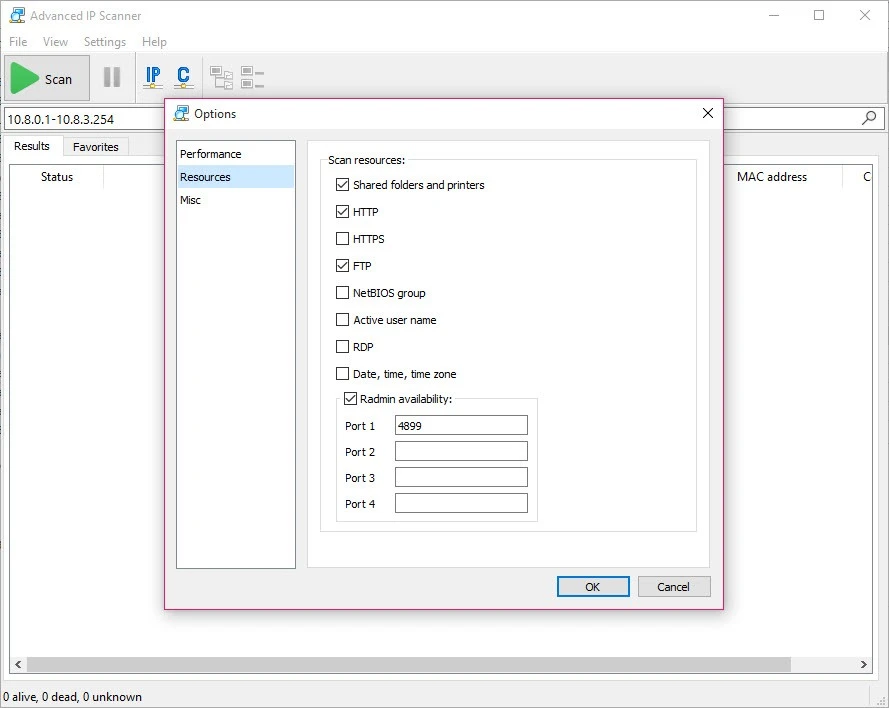
The app offers support in different scenarios such as customizing the speed, categorizing the devices, exporting in different formats such as CSV, HTML, or XML, scanning ports and finding HTTP, HTTPS, FTP, RDP, and shared folders, connecting to Radmin Server, shutting down computers remotely, and running ping, tracert, telnet, and SSH commands on selected computers. It also enables waking computers only for Wake-On-LAN-supported devices.
Pros
Cons

AnyDesk, a fast remote access to computers

Accelerated Downloading with Internet Download Manager (IDM)

SHAREit for PC is the best option for a P2P file-sharing process without using Wi-Fi.

ShareMe for PC, a freeware and streamlined file-sharing app

uTorrent, a powerful, lightweight, and fastest P2P file-sharing software

Xender for PC, an effective and convenient file transfer utility